BEAM · IPHONE AND IPAD
Your photos on the TV.
Beam puts the photos and videos on your iPhone or iPad on the TV, over your home Wi-Fi. Tap a photo and it is on the big screen. Swipe, and the TV follows.
Beam 1.0 is being prepared for the App Store; the download link will appear here when it is available.
Tap, swipe, watch
Pick your TV once. Then browse your library or any album, shared albums included, and tap a photo. Flip through a batch, select just the ones you want, or start a slideshow with your own interval, shuffle and loop, and put the phone down.
Videos play on the TV with pause, scrubbing and volume. The Now Showing bar keeps the TV within reach while you browse, and the phone can dim itself in a dark room.
Works with the TV you have
Beam uses DLNA/UPnP, the media sharing most smart TVs have had built in for years. There is nothing to buy and nothing to install on the TV. The phone and the TV only need to be on the same Wi-Fi network. If the TV does not appear by itself, add it by its IP address.
Private by design
Photos travel from your device straight to your TV over your own network. Nothing is uploaded, there is no account, and the app collects no data. Location and other metadata are removed from photos before they are sent.
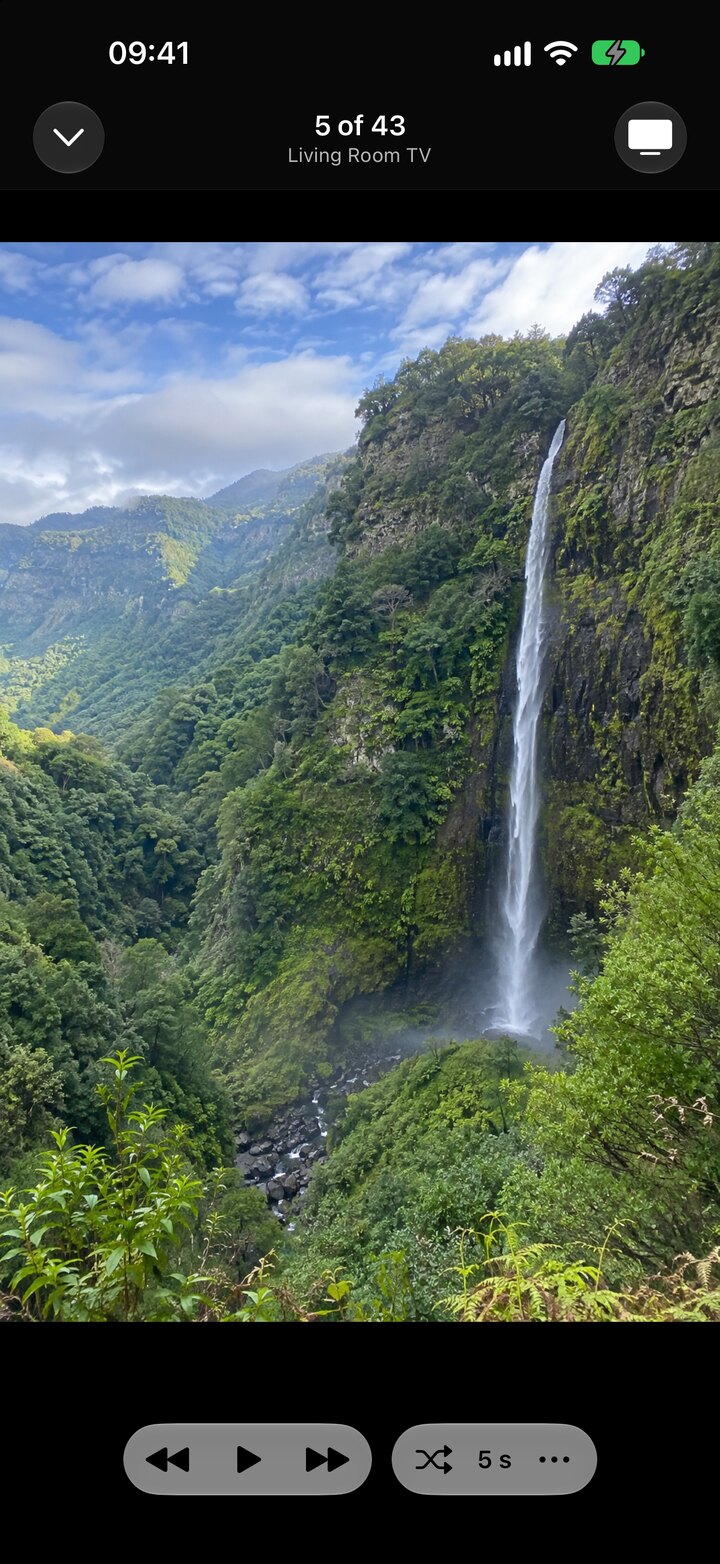
Actual app screenshot with a generated sample photo.